For this tutorial we will use an example 6x6 car with an all wheel drive.
We will cover how to setup:
- Car suspension
- AIO settings for cars
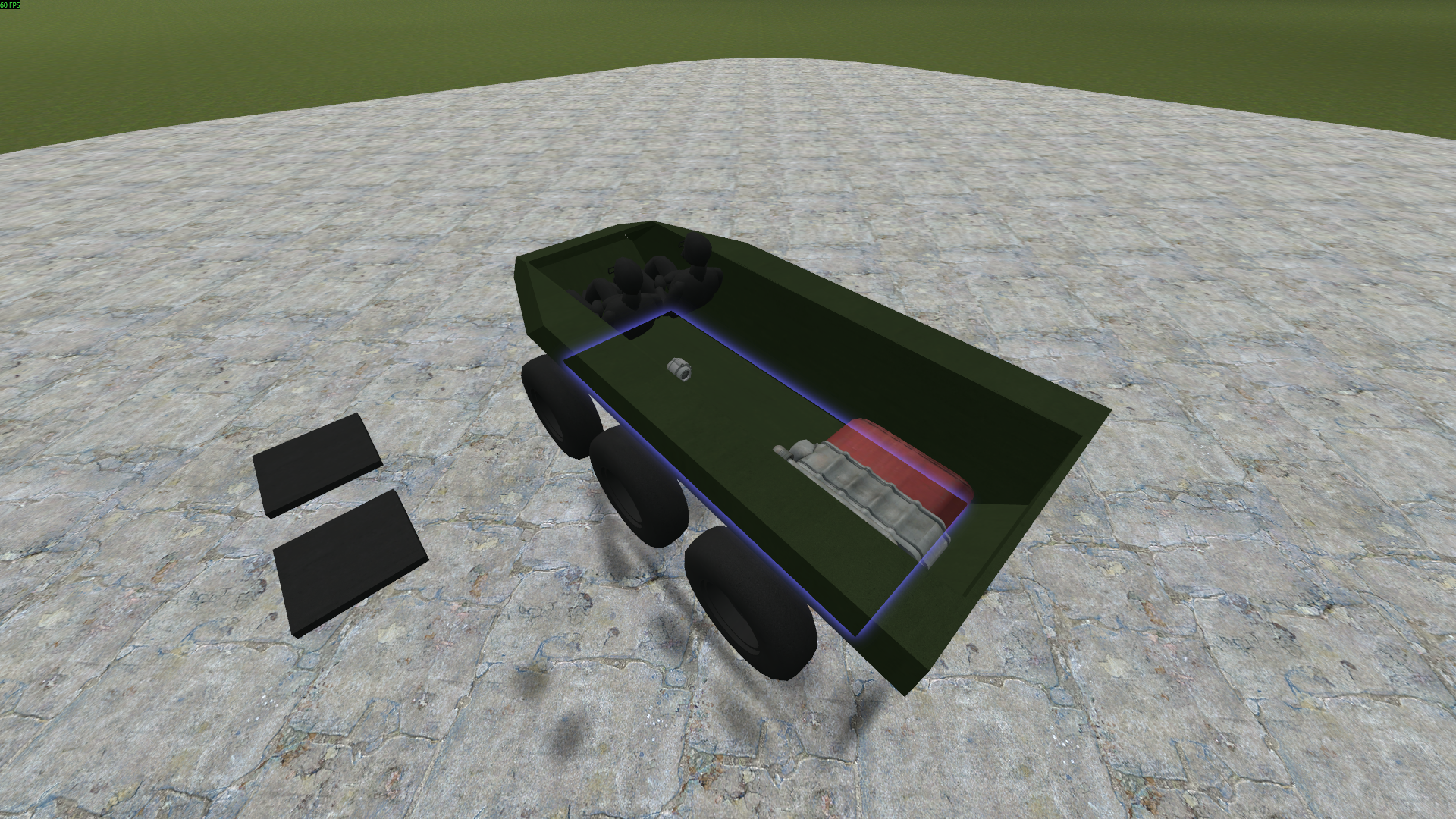
Note how the drivetrain is setup, with power from the engine going to an inline, then to transfer cases powering all wheels.
We recommend this arrangement or similar for armored cars.
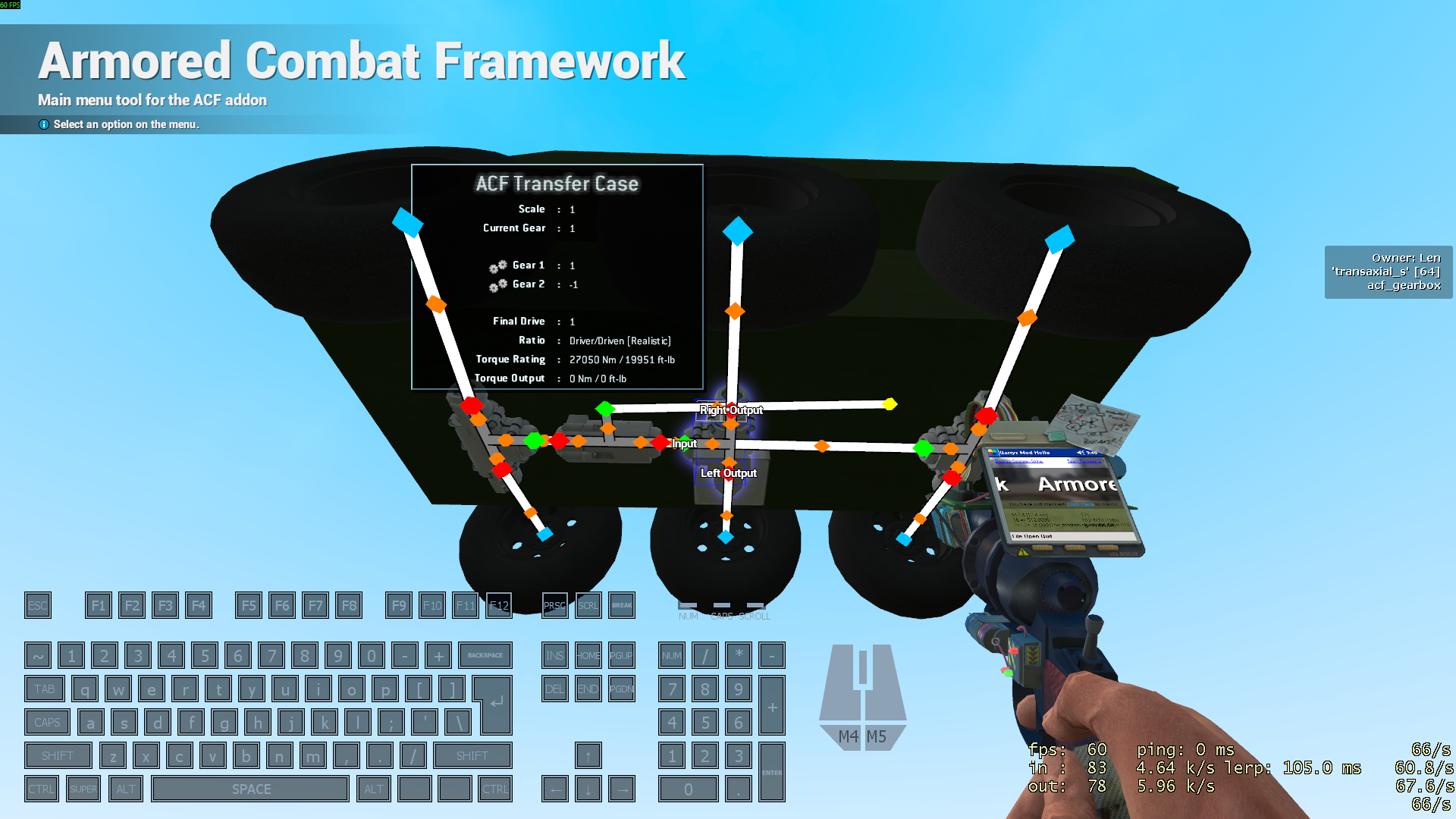
ACF cars require steer plates, which wheels are constrained to. To turn, the angle of the plates are set by the AIO.
MAKE SURE YOUR STEER PLATES AND BASE PLATE ALL FACE NORTH.
You can use the stacker tool to check this. Make sure they’re aligned by using
SHIFT + Ewith the physgun.
Also make sure to disable gravity on your steer plates by using the physical properties tool.
Now, Using the suspension too:
SHIFT + RIGHT CLICKyour baseplateRIGHT CLICKwheels that should be aligned with your baseplateSHIFT + RIGHT CLICKyour front steer plateRIGHT CLICKwheels that should be aligned with the front steer plateSHIFT + RIGHT CLICKyour rear steer plateRIGHT CLICKwheels that should be aligned with the rear steer plate
Now, open your AIO controller’s settings:
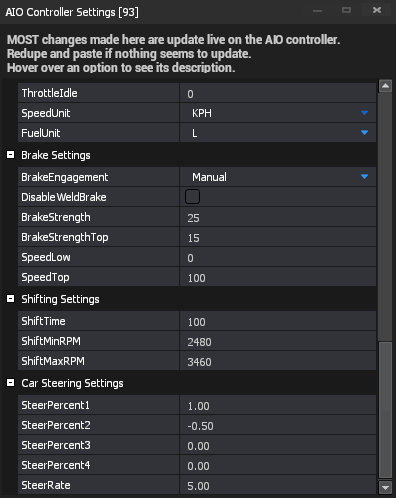
Brake settings:
BrakeStrengthatSpeedLowBrakeStrengthTopatSpeedTop- Anything between is interpolated (e.g. half way on the speed range)
The SteerPercent variables represent the percentage of the brake force value to use.
For example, if the current brake force is 45:
- A SteerPercent of 1 will be an angle of 45.
- A SteerPercent of -0.5 will be an angle of 22.5 in the opposite direction.
SteerPercent1 represents the front steer pair, SteerPercent2 is the steer pair behind that, SteerPercent3 is the steer pair behind that and SteerPercent4 is for the rearmost steer pair.
SteerRate represents the rate at which the wheels turn towards their target angle.