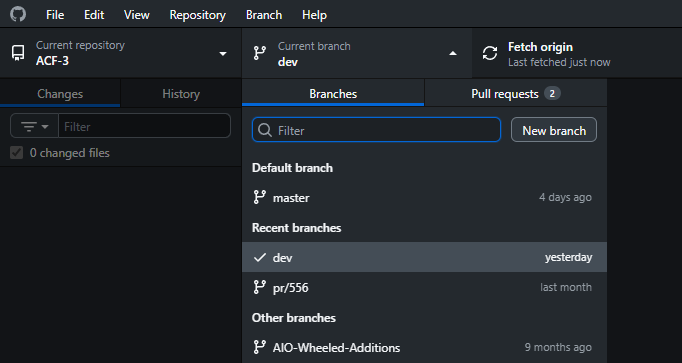
We recommend you use this option if you would like to test the dev branch. dev tends to be less stable (sometimes has bugs), but changes we make are immediate.
You will need to create a GitHub Account unless you already have one.
Make sure to install Wiremod and Contraption Framework the same way.
What is GitHub Desktop?
“GitHub Desktop is a free, open source application that helps you to work with code hosted on GitHub or other Git hosting services.”
Installing GitHub Desktop
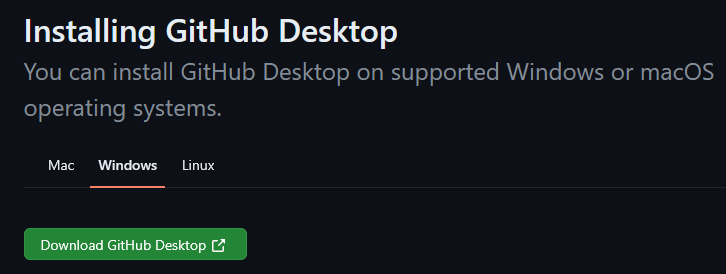
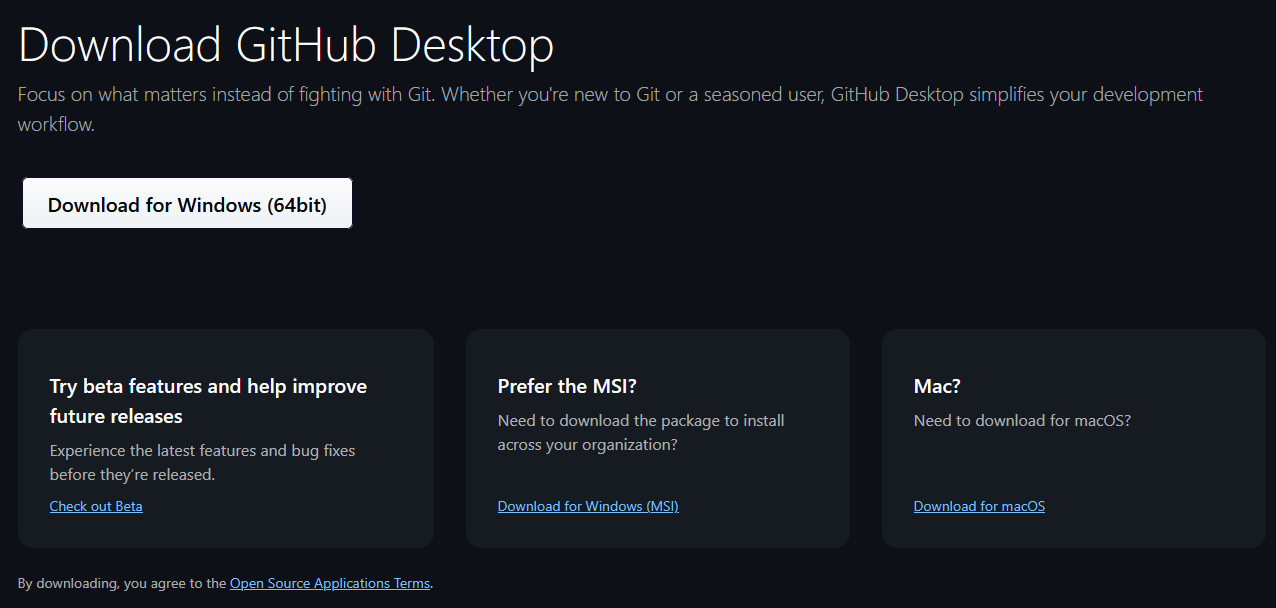
Visit the official download link, follow these links and download the version for your Operating System.
Authenticating your GitHub Account
-
In the menu bar, select GitHub Desktop, then click Settings.
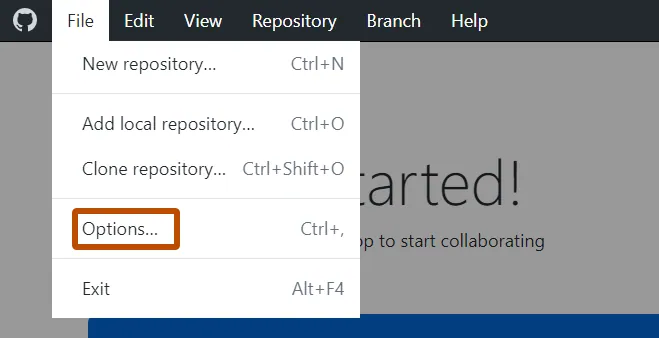
-
In the “Settings” window, on the Accounts pane, click the appropriate “Sign Into” button. Use Sign Into GitHub Enterprise to sign into GitHub Enterprise Server or GitHub Enterprise Cloud with data residency.
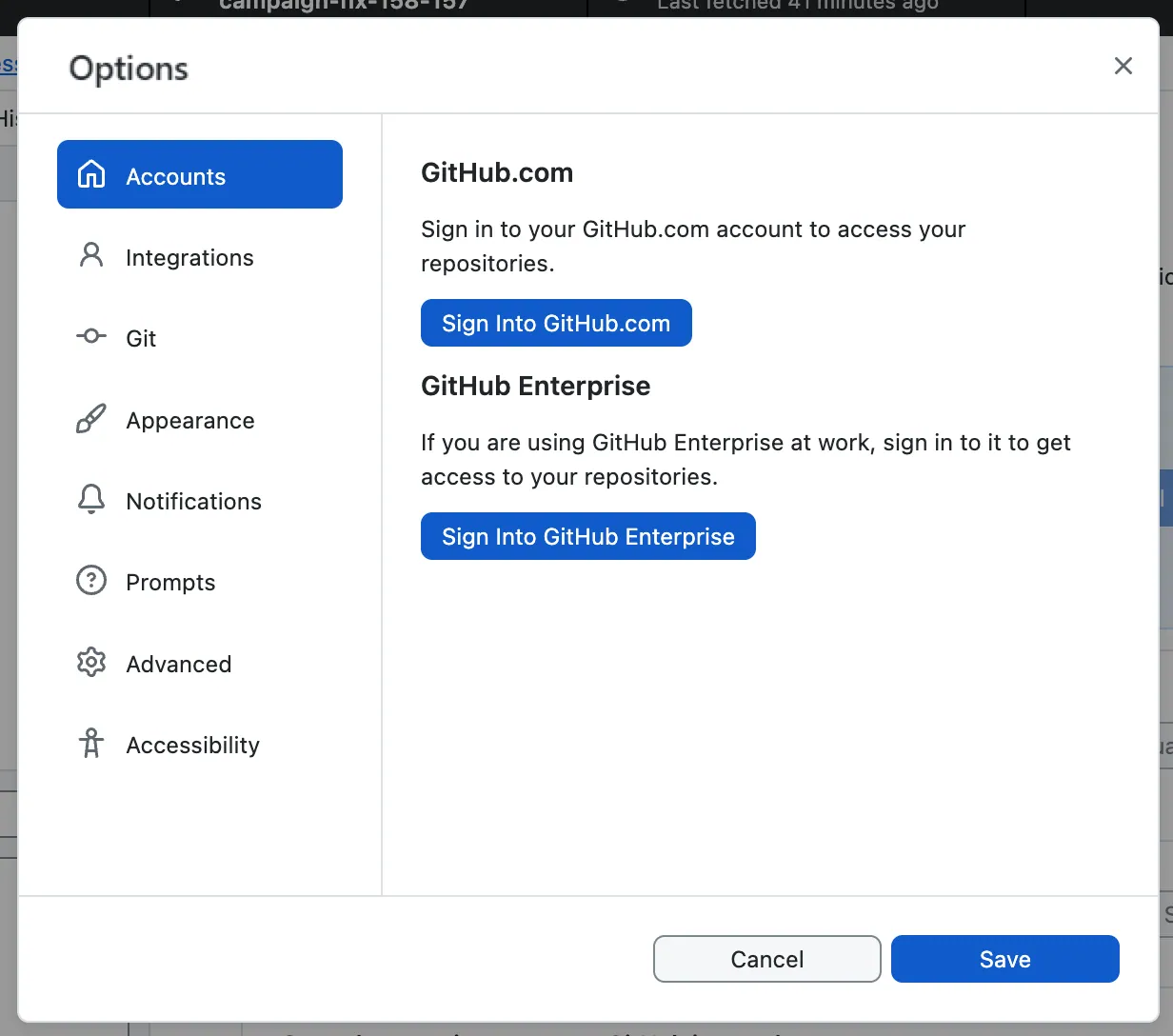
- If you are signing into an account on GitHub Enterprise, in the “Sign in” modal window, type the URL where you access GitHub, then click Continue.
- In the “Sign in Using Your Browser” modal window, click Continue With Browser. GitHub Desktop will open your default browser.
- To authenticate to GitHub, in the browser, type your credentials and click Sign in.
Cloning The ACF-3 Repository
- Navigate to the ACF-3 GitHub repository and select “Open With Github Desktop”
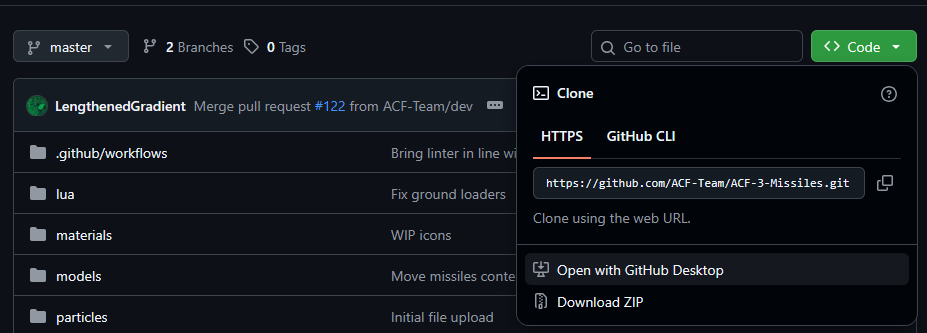
- Choose your gmod addons folder (should be somewhere like
C:\Program Files (x86)\Steam\steamapps\common\GarrysMod\garrysmod\addons\ACF-3)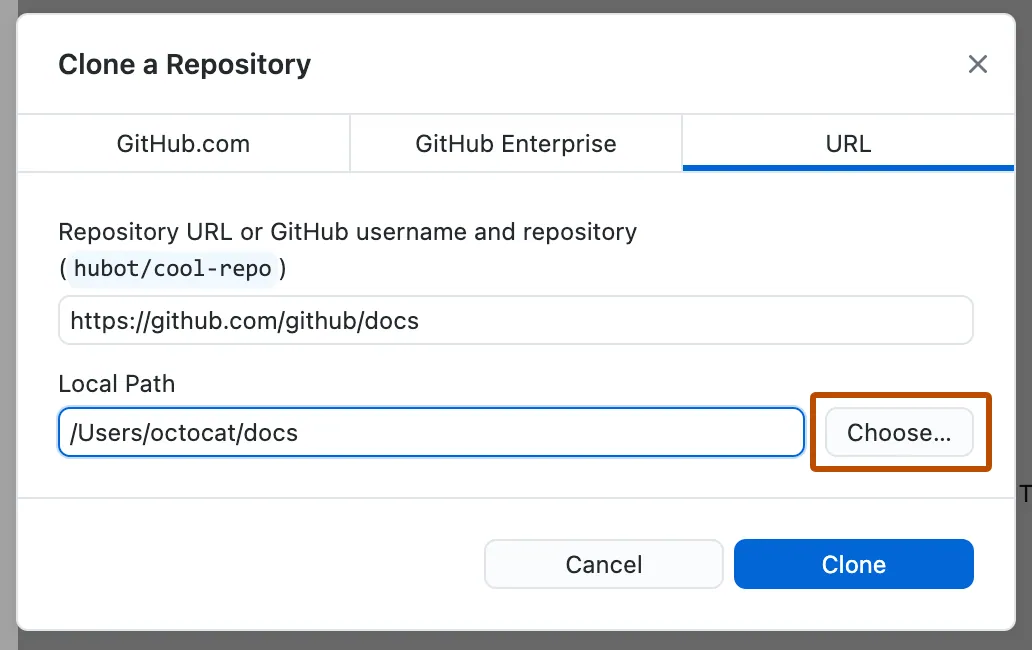
Make sure to install Wiremod and Contraption Framework the same way.
Updating your ACF-3 instance
-
Click on the “Fetch Origin” button

-
If there are updates, a download icon should appear. Click on it and confirm to download the changes.
Switching branches
-
Select the “current branch” dropdown and select your branch of choice